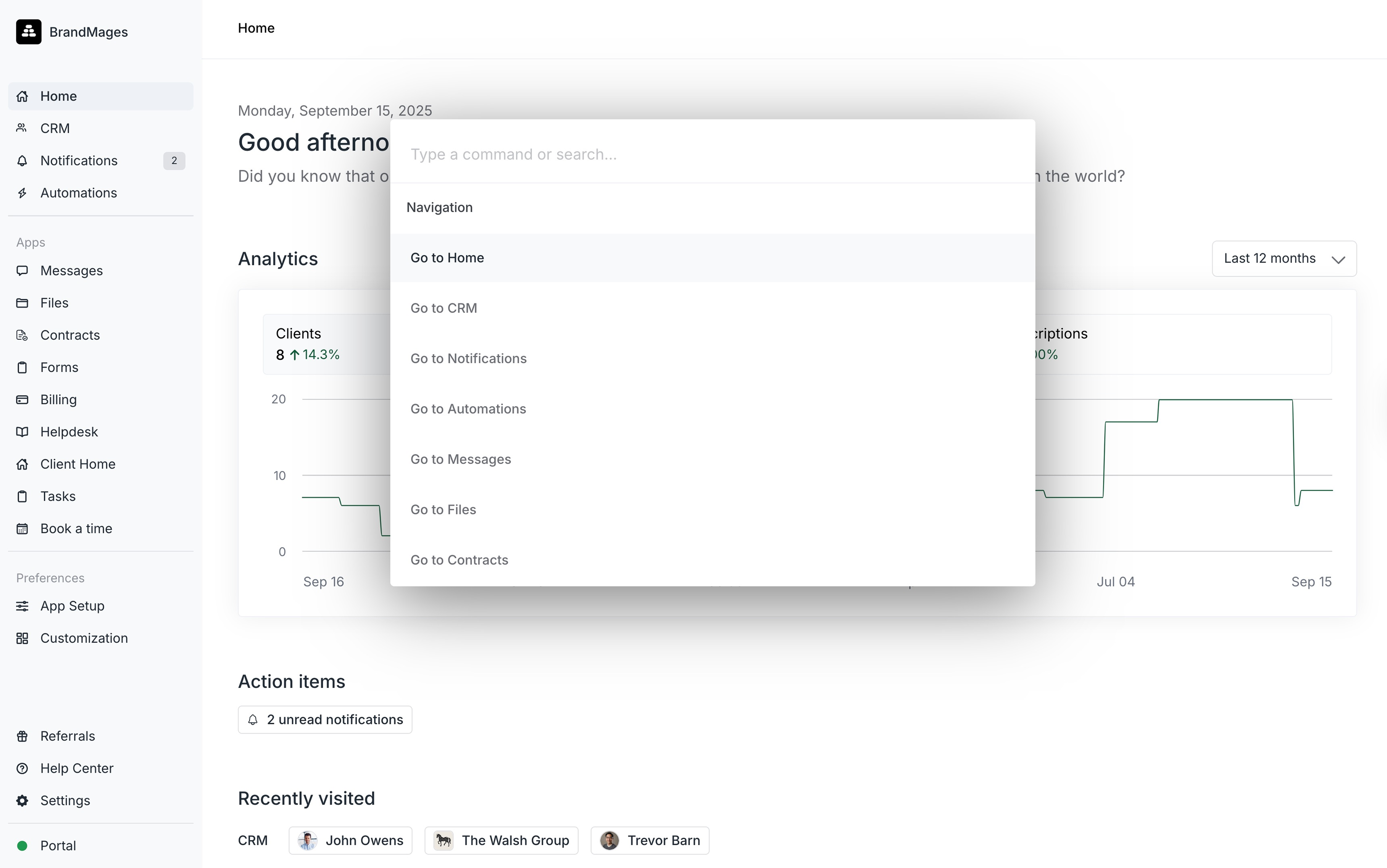
To open the command bar press Command + K (Mac) or Control + K (Windows). From there you can search for actions by typing, use up/down arrows to navigate, and click Enter to select an action.The command bar is context-aware so the options you will differ based on the page you are on. For example if you are on a client details page, the first set of actions will relate to the client you are viewing.
Keyboard shortcuts let you navigate the Assembly Dashboard extremely quickly. To view all available keyboard shortcuts press Shift + ?. The most popular shortcuts are:
Shortcut
Action
Command + K (Mac) Control + K (Windows)
Command bar
o
Open client… (select client in the next step)
c
Create… (select invoice/form/etc. in the next step)